Virtual assistants & online business managers
The Virtual Assistant Business System
Run every client like clockwork.
Secure checkout on Gumroad · your template link arrives by email within a minute · 14-day money-back guarantee
The sample is free. Gumroad shows a price box; 0 is fine.
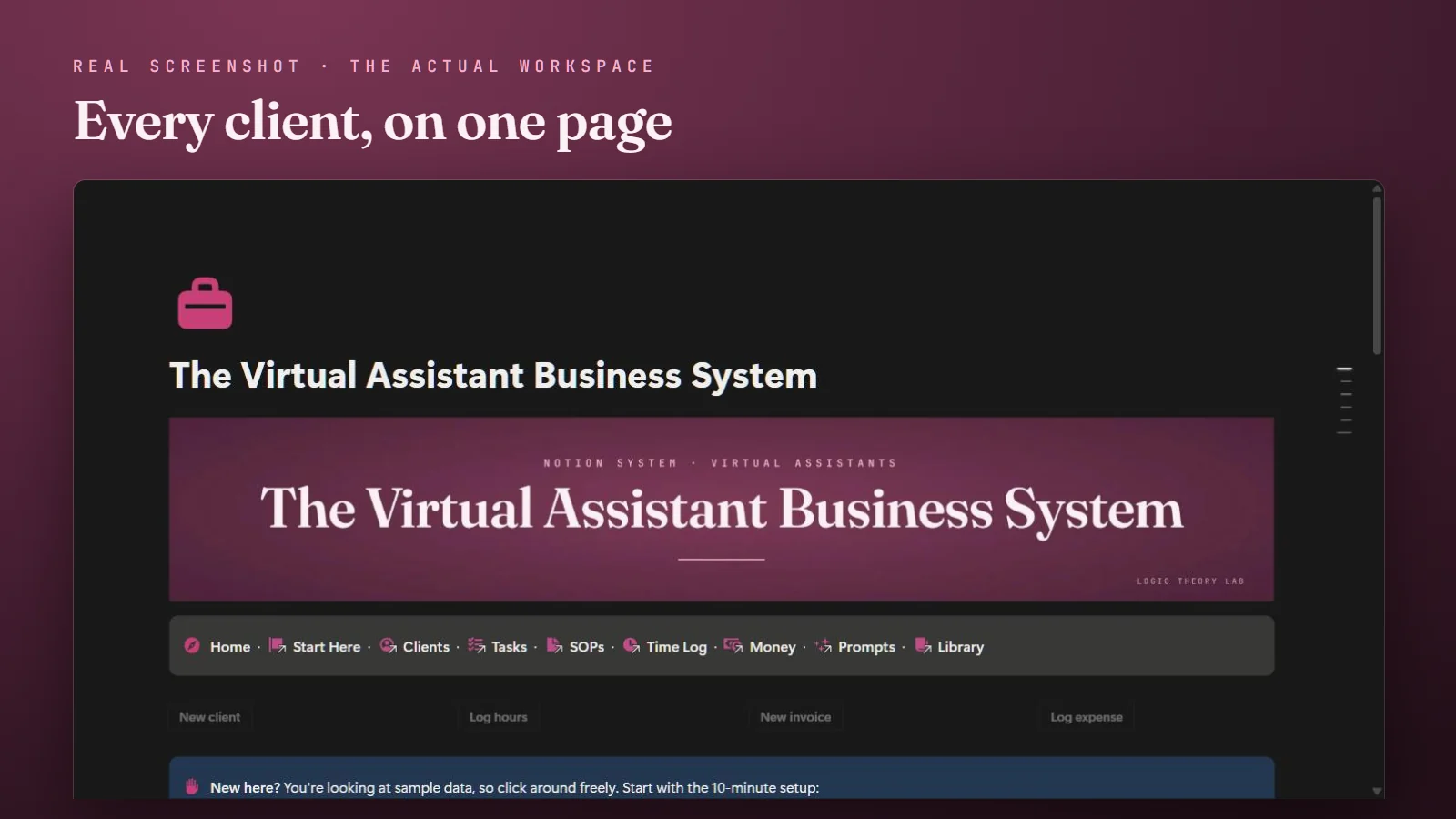
- Every client's tasks — recurring and one-off — in one view
- Per-client retainer tracking with a near-limit flag
- An SOP library, so no client process lives only in your head
- No password fields, by design: an access log notes where each login lives
A look inside
Click any image to view it full-size.
See it work · a 30-second tour
Read the tour as text
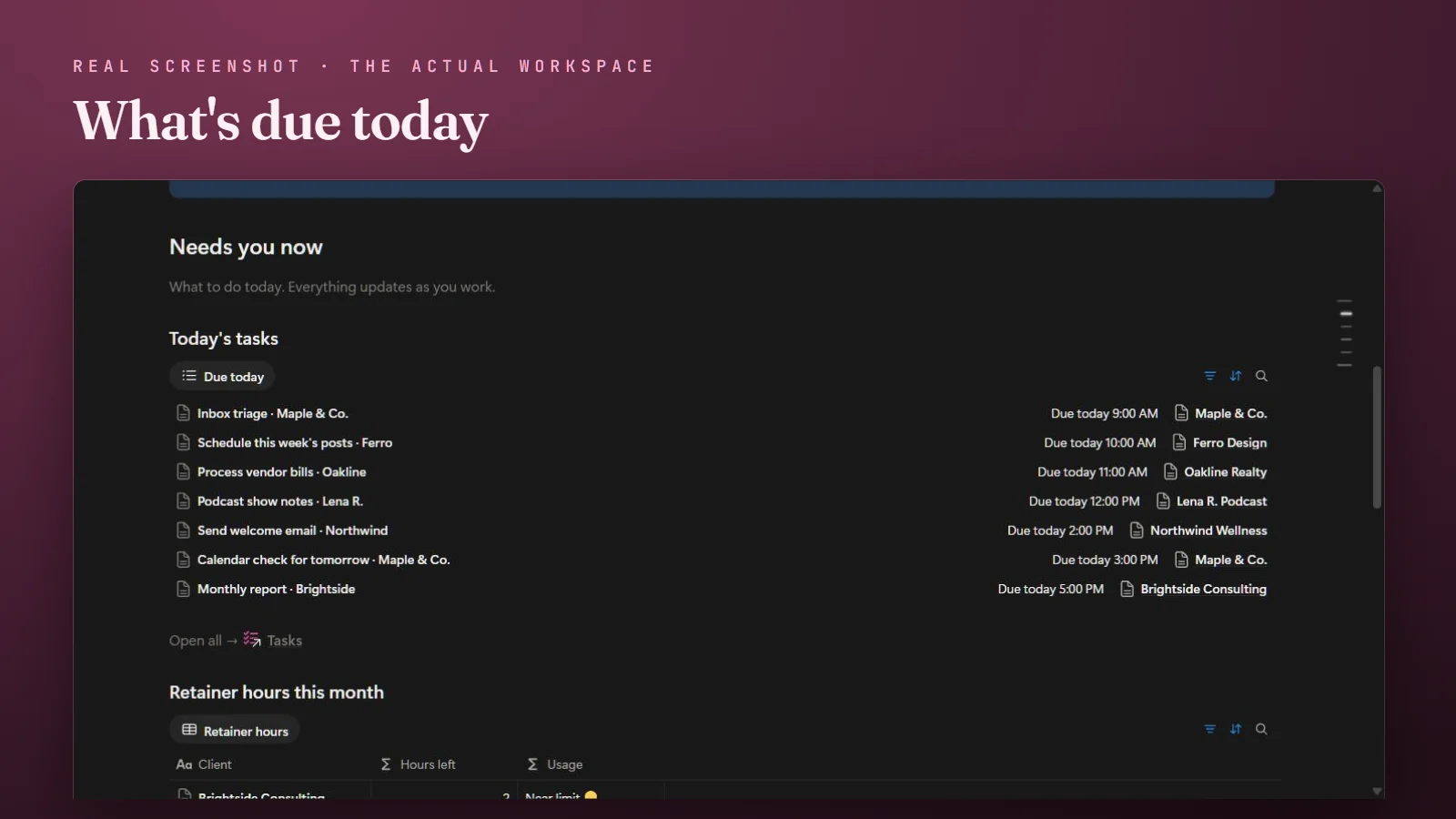
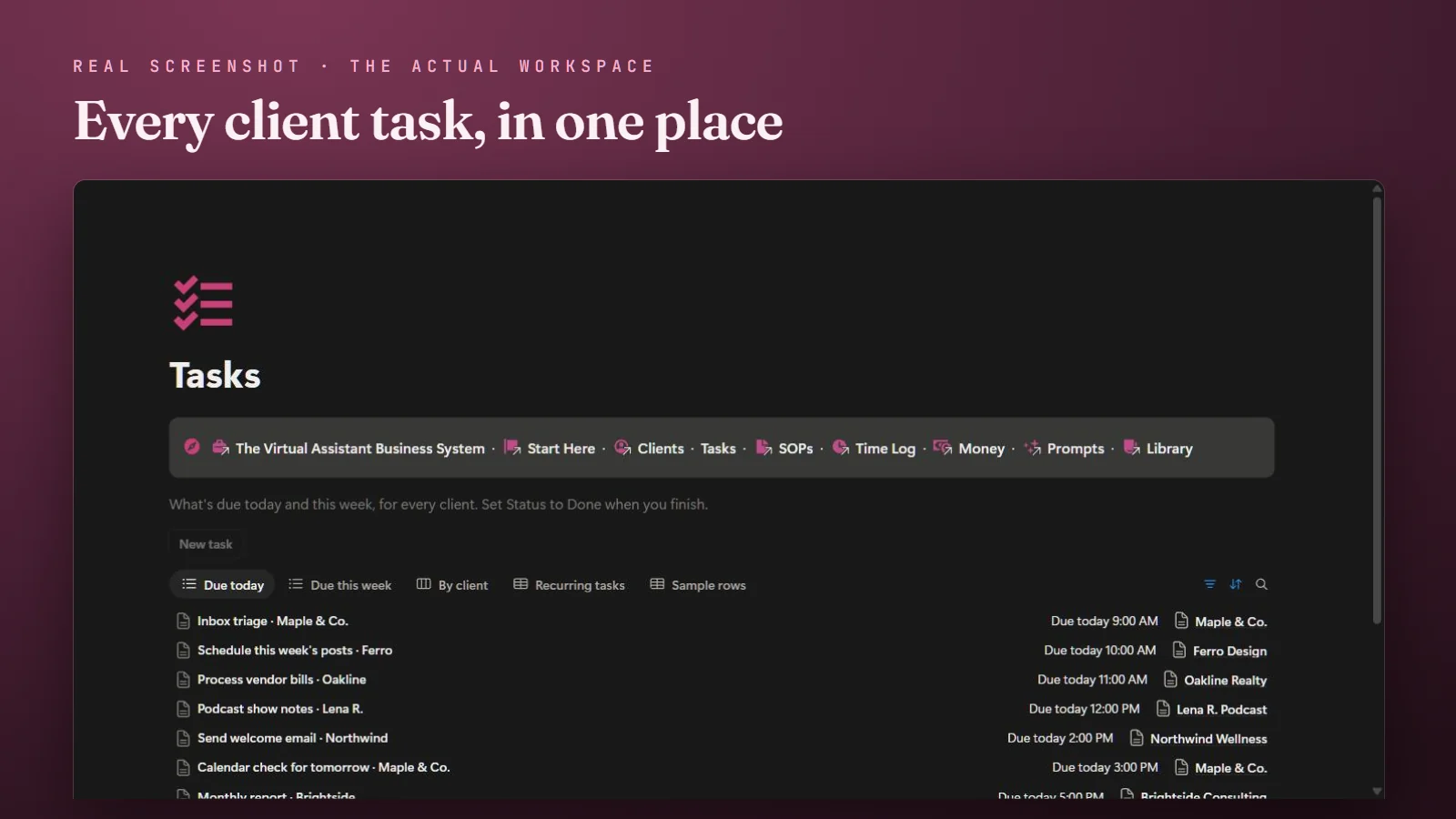
- Today's tasks for every client, in one list.
- Track who has access. Never passwords.
- Onboard every client with a checklist.
- Log a retainer. Profit updates itself.
- Know when a retainer is running low.
- 25 AI prompts for client emails.
- One click to anything, from any page.
Being a great VA means holding a dozen clients’ worlds in your head at once. The Virtual Assistant Business System is a calm Notion workspace that holds it for you: every client, their recurring tasks, their processes, the hours you’ve used, and what you’ve billed. So adding clients doesn’t add chaos.
No passwords stored, by design
VAs handle a lot of client access. This system is designed so you never need to store a password, login, or card number in it; those belong in a dedicated password manager. Instead, an access log notes where each login lives and keeps a revoke list for when a client leaves, so credentials have a clear home outside Notion.
What’s inside
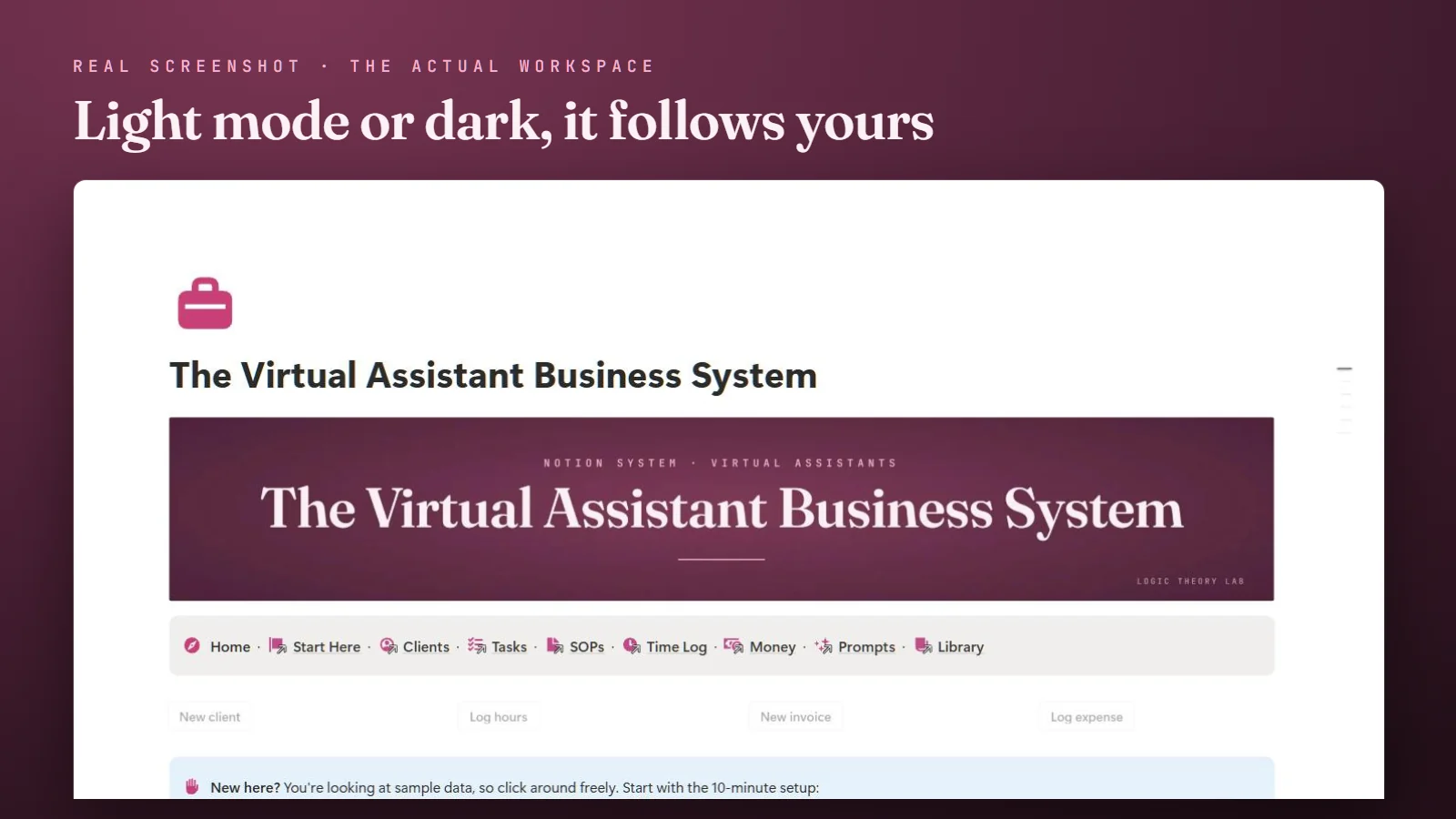
- A Home page that shows today’s tasks, each client’s retainer hours, unpaid invoices, and this month’s profit, with navigation on every page.
- A client hub with retainers, billing day, rollover rules, time zone, and preferred channel.
- A task tracker for recurring and one-off work, grouped by client and due date.
- An SOP library — step-by-step processes for each client’s recurring work.
- Per-client retainer tracking — hours used, hours left, and a near-limit flag so you can see an overage coming.
- An access log — where each login lives (never the login itself), with a revoke list for offboarding.
- Onboarding & offboarding checklists, so every client starts and ends the same clean way.
- Service packages & pricing for proposing new work.
- An invoice and income tracker with a built-in profit view. (It tracks invoices; you still send them from your invoicing tool.)
- 25 AI-assist prompts for client updates, SOPs, inbox replies, and proposals. They work in ChatGPT, Claude, or any AI chat tool, and are written to work without pasting client-identifying details.
- A 10-minute guided setup, with one-click sample-data clearing, so you’re running the same day.
Not affiliated with Notion. Not legal, tax, or financial advice; for business administration only. Do not store passwords, credentials, or payment details in Notion — use a dedicated password manager.
Good to know
- Instant access: duplicate into your Notion in under a minute
- Works on Notion's free plan
- Includes a "New to Notion?" tour; the beginner's guide covers the rest
- Free updates: last changed October 27, 2026 · see what changed
- Also on the Notion Marketplace Buy there instead ↗ (refunds there follow Notion's policy)
- Designed with AI-assisted tools, reviewed by hand
Before you buy
What happens after I pay?
Gumroad emails you a receipt right away with one link. Open it, press Duplicate, and the whole system copies into your own Notion in under a minute. Nothing to install.
Do I need a paid Notion plan?
No. Everything works on Notion's free plan. The system is a set of linked pages and lists, not a plug-in.
Where does my data live?
In your own Notion workspace, which we never see. The template holds sample data only until you clear it with one button.
Does it work on my phone?
Yes, in Notion's phone apps. It is built for a laptop first; on a phone it is best for checking what is due and adding things on the go.
Why pay when free templates exist?
Free templates are usually one page or one list. This is one connected system: the Home page, the lists, the money views and the buttons all work together, with realistic example data you can clear, a built-in tour for first-time Notion users, and a 14-day money-back guarantee. The free sample shows the build quality before you spend anything.
Can I share it with my assistant or team?
Yes. Once duplicated it is your Notion page, so you share it the way you share any page. The license covers one business.
What if it isn't right for me?
Email within 14 days and you get a full refund through Gumroad, no questions. Purchases made on the Notion Marketplace follow Notion's refund policy instead.
Was this made with AI?
Designed with AI-assisted tools and reviewed by hand. Every button, view and total is tested in a real buyer copy before and after each change.
Get The Virtual Assistant Business System
Run every client like clockwork.
Get it — $39Secure checkout on Gumroad · your link arrives by email within a minute · 14-day money-back guarantee.
Or get it on the Notion Marketplace ↗